
The short version: On-device basketball analysis can decode video, detect pose landmarks, compute bounded movement signals, and return immediate feedback without a network round trip. It improves responsiveness and can reduce raw-video exposure, but it does not remove accuracy, battery, thermal, storage, or device-fragmentation constraints. Strong products benchmark on real phones and use a hybrid architecture when deeper models or cross-session analysis justify cloud processing.
Key takeaways
- On-device pose models can produce body landmarks from images, video, or live camera frames.
- Low latency depends on the whole pipeline, not only the model's inference time.
- Local processing can reduce network dependence and raw-video transfer, but privacy still requires clear storage and sharing choices.
- Heat, battery, model size, and device capability should change how frequently and where analysis runs.
What on-device basketball video analysis means
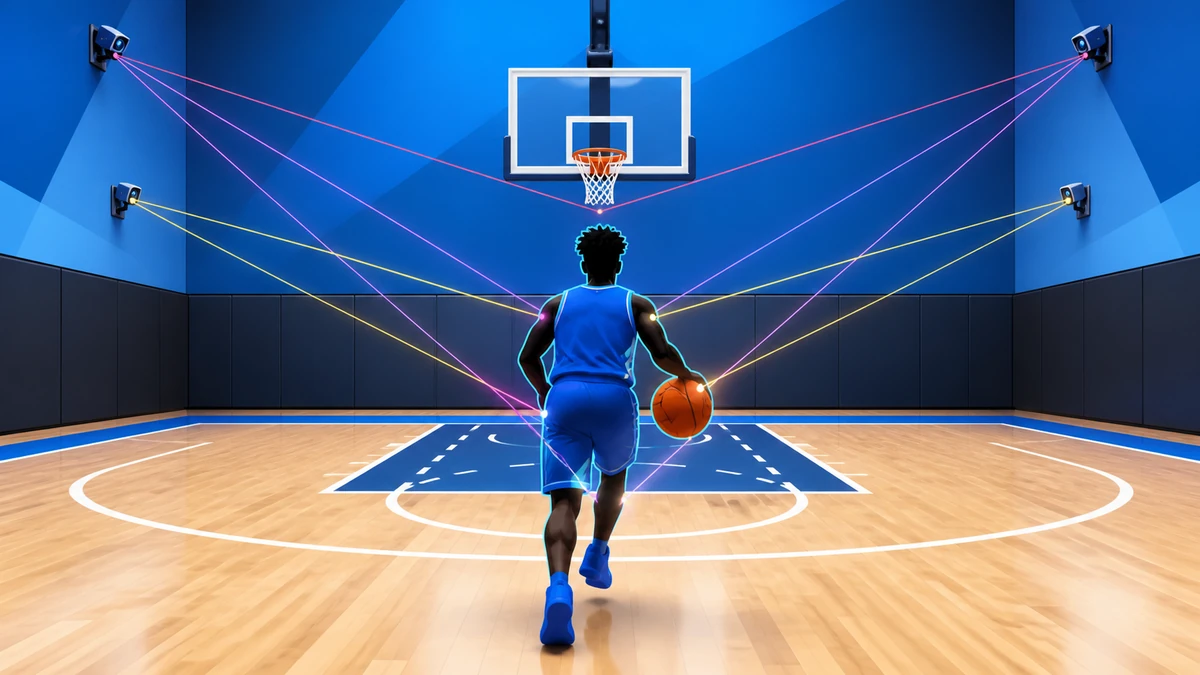
On-device basketball video analysis means that some or all of the processing happens on the phone that records or imports the clip. The app may decode frames, detect a player, estimate body landmarks, track motion over time, calculate bounded signals, and present feedback without sending every frame to a remote server. The phrase describes where computation runs; it does not guarantee that the model is accurate, that no data is stored, or that cloud services are never used. Google AI Edge Pose Landmark Detection Guide Apple Core ML basketball player tracking
This distinction matters for basketball because a useful answer may be needed while the player is still in the gym. A local pipeline can react without a network round trip and can keep a failed upload from blocking basic feedback. A cloud pipeline can use larger models, centralized updates, and cross-session context. A good product does not choose one side as an identity; it assigns each task to the location that meets the feature's latency, privacy, quality, and cost requirements. Apple ProcessInfo Thermal-State Guidance
What can run on a phone today
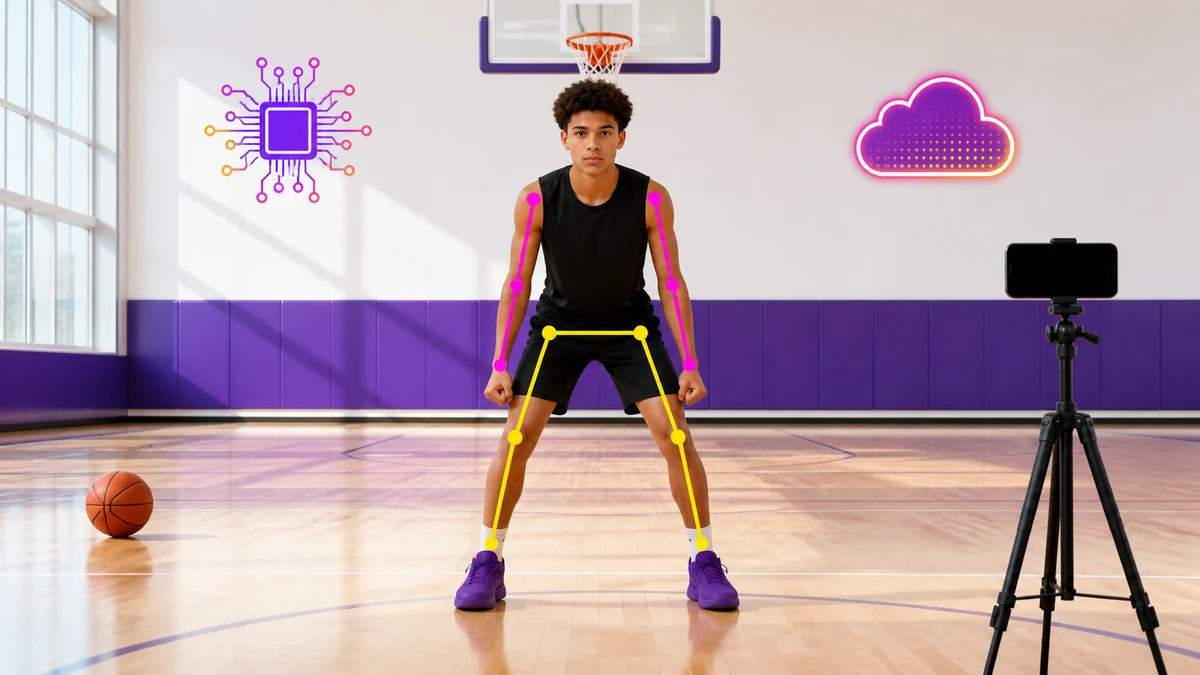
Pose estimation is the clearest building block. Google's Pose Landmarker accepts a still image, decoded video, or live camera stream and returns body landmarks in image and world coordinates. Its current bundle estimates 33 body locations and offers lite, full, and heavy variants optimized for on-device fitness use. Those outputs can support joint-angle estimates, phase detection, balance checks, frame selection, and visual overlays when the camera view and confidence are adequate. how AI can analyze a basketball shot
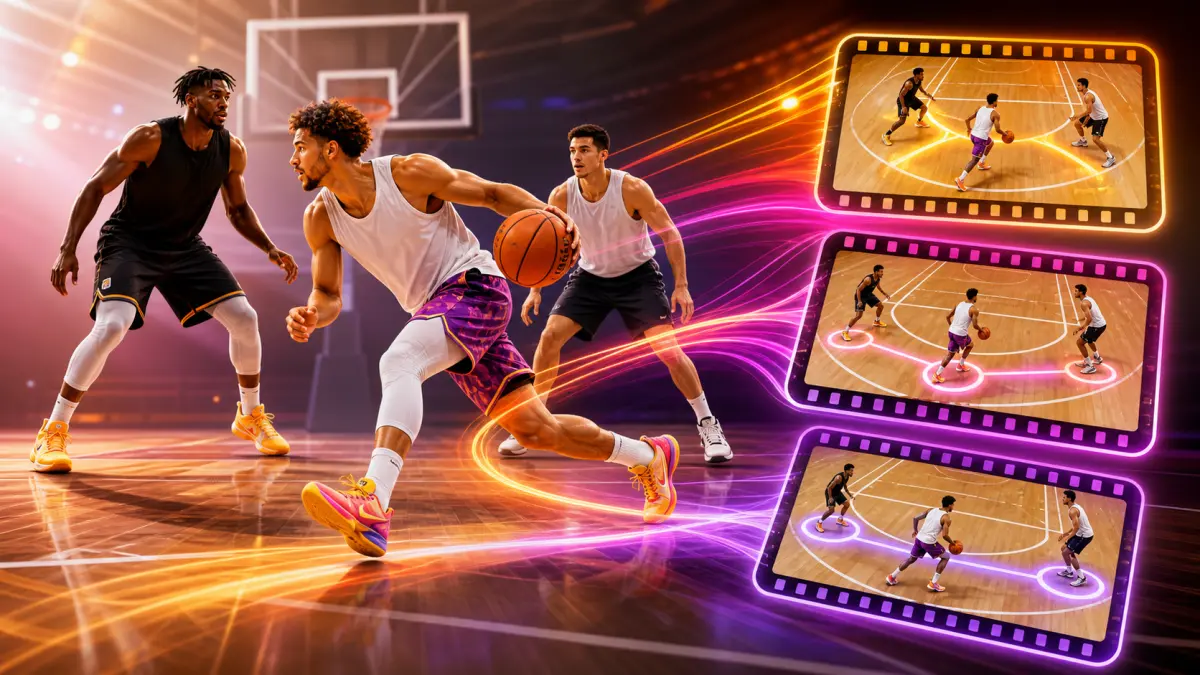
Landmarks are not coaching by themselves. A wrist coordinate does not tell a player whether the release was appropriate for that shot, defender, body position, or camera angle. The product still needs temporal smoothing, phase definitions, confidence thresholds, left-right handling, camera assumptions, and basketball-specific evaluation. It also needs language that distinguishes an observation from a diagnosis. The local model supplies measurements; the basketball system decides what those measurements can responsibly support.
Latency is a pipeline budget, not one model number
A demo may report inference time, but the player experiences end-to-end delay. The budget includes camera capture or file decoding, rotation and resizing, model execution, landmark transfer, temporal logic, overlay rendering, audio generation, and user-interface updates. If the app reloads a model for every clip or copies full-resolution frames unnecessarily, a fast network can still feel slow. The meaningful metric is time from the player's action to the feedback they can use. Google AI Edge Pose Landmarker Guide for Android
Runtime mode changes the design. Google's Android guide notes that image and video calls block while they process and recommends a separate thread for live-stream detection. A live camera feature therefore needs backpressure: if inference cannot keep pace, the app should sample or drop frames intentionally instead of building an ever-growing queue. An imported clip can prioritize completeness, while a live cue may prioritize the newest frame and a stable interface.
Privacy improves only when the data flow changes
Local inference can reduce raw-video exposure because analysis can work without a network connection. Apple explicitly positions strict on-device execution as a way to keep data private and the app responsive. That is a meaningful architectural advantage for a gym clip that may include other players, spectators, or minors. It can also make an offline session useful when the court has poor connectivity. basketball tracking data privacy
But on-device does not mean no data. The app may save the original clip, cache thumbnails, retain landmark arrays, sync a derived score, or share a report. Each artifact needs a purpose, retention rule, access boundary, and user-facing explanation. A credible product statement should say which stages stay local, which outputs leave the phone, and which controls delete or share them. Architecture can reduce exposure; policy and implementation decide what actually happens.
Heat and battery change the answer during a session
A phone that processes one short clip in an air-conditioned test is not the same system as a phone recording repeated drills in a warm gym. Camera capture, video decoding, neural inference, rendering, and screen brightness all consume energy. Apple states that as thermal state rises, the system can reduce processor speed, and it recommends that apps monitor thermal state and reduce resource use. That means a feature can begin fast and slow later even though its code and model did not change.
- Sample fewer frames when the motion signal does not require every frame.
- Switch from a heavier model to a lighter validated variant when sustained speed matters more than marginal detail.
- Pause nonessential overlays or background processing when the operating system reports thermal pressure.
- Expose a clear processing state instead of letting throttling look like a frozen or inaccurate coach.
Model size, speed, and accuracy form a moving tradeoff
A smaller model can load faster, use less storage, and fit more devices, but size reduction is not automatically free. Google's pose task offers multiple model variants, while Apple documents lower-precision weights and on-device model downloads as ways to reduce app footprint. Compression or quantization can be valuable, yet the basketball team must verify whether the change affects the moments that matter: fast hands, partial occlusion, low light, long-distance framing, landings, and rapid direction changes. Apple: Reducing the Size of Your Core ML App
Device diversity makes one benchmark insufficient. Core ML can distribute work across CPU, GPU, and Neural Engine, but available hardware, memory, operating-system behavior, and concurrent camera or graphics work vary. The release gate should include representative older and newer phones, cold and sustained runs, battery and thermal observations, and basketball clips that challenge the model. A model is production-ready only when its quality and responsiveness hold across the supported experience, not when it wins one laboratory timing test.
Where a hybrid basketball AI architecture fits
A practical hybrid system keeps latency-sensitive and privacy-sensitive work near the camera: frame selection, person detection, pose landmarks, basic confidence checks, and immediate visual guidance. It can send only an approved clip or compact derived record when the player asks for deeper analysis, cross-session trends, coach collaboration, or a model too large for the supported device. The cloud is then an explicit capability, not an invisible default for every frame.
The boundary should be measurable. Product teams can define a local latency target, a minimum confidence level, a thermal fallback, an upload consent step, and a cloud turnaround target. They can then compare those targets against real sessions. That creates a better question than whether on-device or cloud AI is universally superior: which location produces the safest, clearest, and most useful answer for this basketball decision on this device? try Level Up Basketball
Frequently asked questions
Can a phone analyze a basketball shot without the cloud?
Yes, a phone can run pose landmarking and bounded movement logic locally. Whether it can deliver a specific coaching conclusion depends on the model, camera view, device, basketball-specific evaluation, and the product's confidence rules.
Is on-device analysis always faster?
It removes network round-trip time, but total speed still includes decoding, preprocessing, inference, temporal logic, rendering, and thermal behavior. A poorly designed local pipeline can still feel slow. Measure the full player-facing delay on real devices.
Does on-device AI mean the video never leaves the phone?
Not automatically. Local inference can work without uploading the video, but the app may still offer backups, sharing, coach review, or cloud analysis. The product should state exactly what is stored and transferred.
Why not always use the largest pose model?
A larger model may require more storage, memory, energy, and processing time. The best choice is the smallest validated model that meets the basketball feature's quality target across supported devices and sustained sessions.