
The short version: Flex pairs a baseline cut with a screen for the original screener. In the selected rotation, the passer sets that down screen. Read the cutter, then the next opening, and adjust to the defense rather than forcing the pattern.
Key takeaways
- Track the original screener to recognize how the baseline action connects to the perimeter.
- In the selected rotation, the passer becomes the down-screener.
- A defensive switch invites a matchup read; it does not guarantee a post pass or scoring chance.
What connects the two screens?
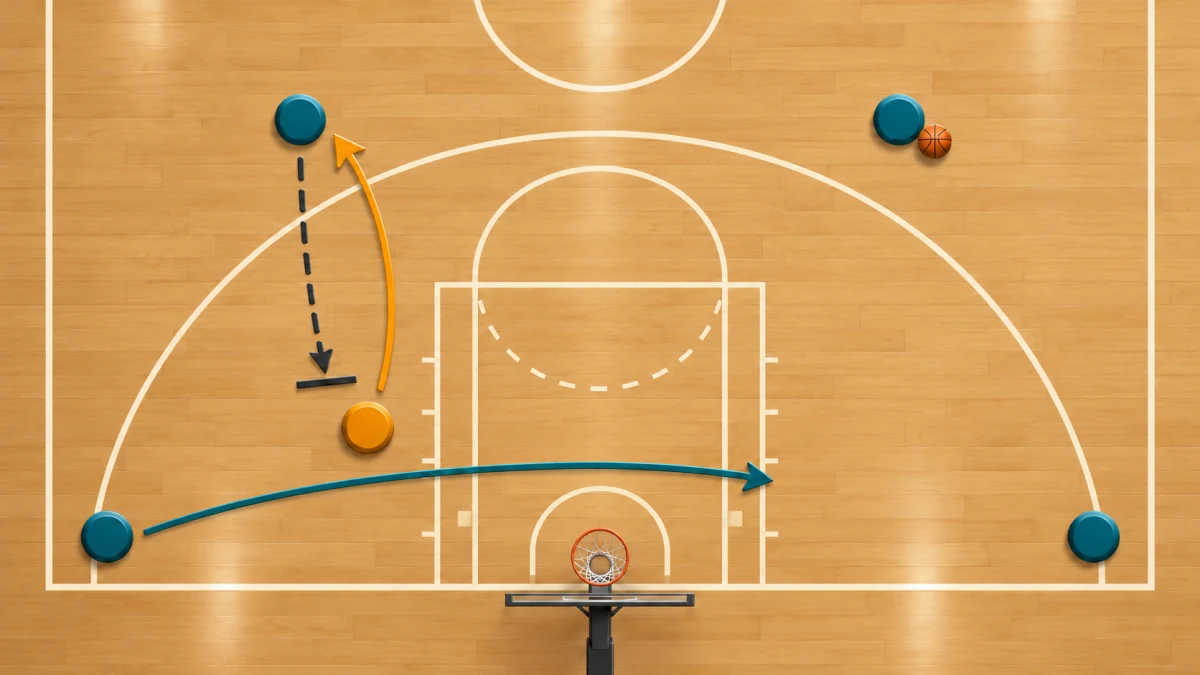
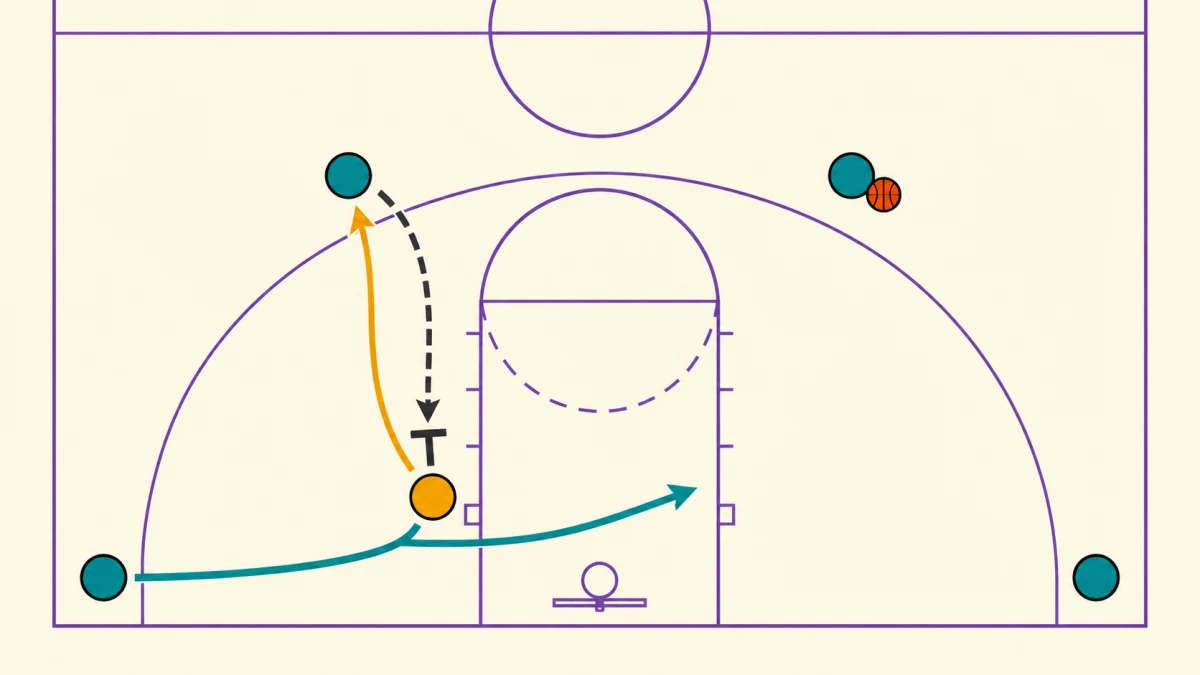
Flex connects two actions: a baseline cut off a back screen, then a screen for the player who set that first screen. The full flex offense can repeat from one side to the other. To understand the connection, watch the first screener after the cutter passes. WABC Coaching Manual Level 3 English
Walk through one rotation
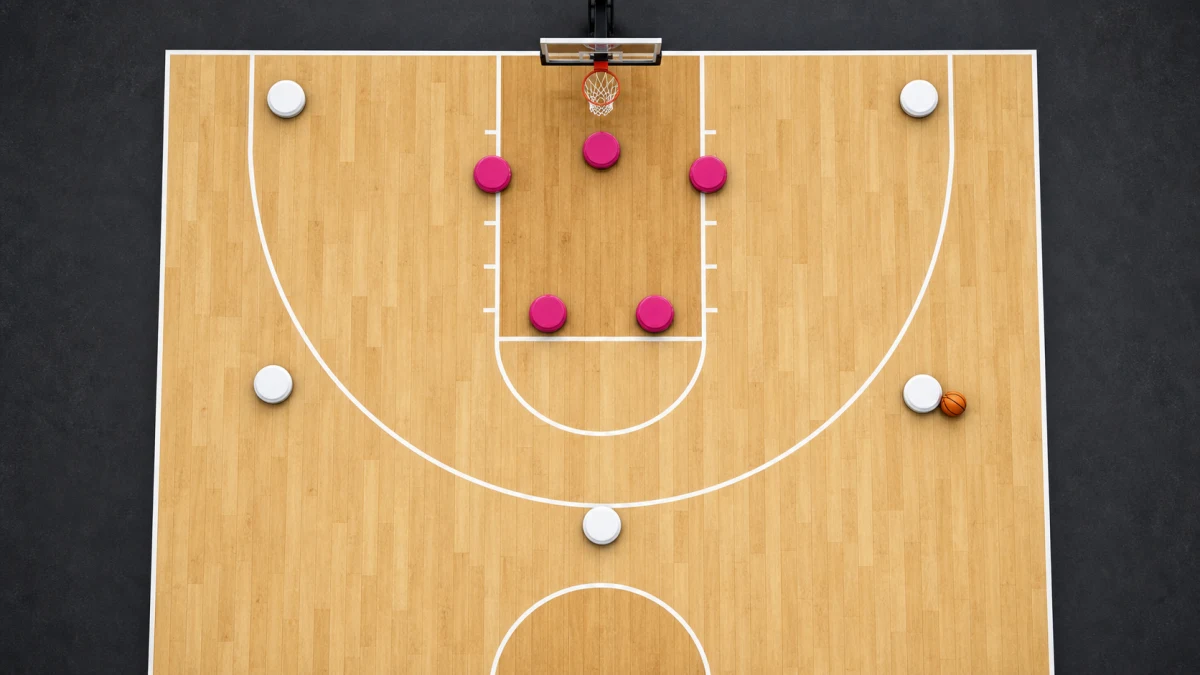
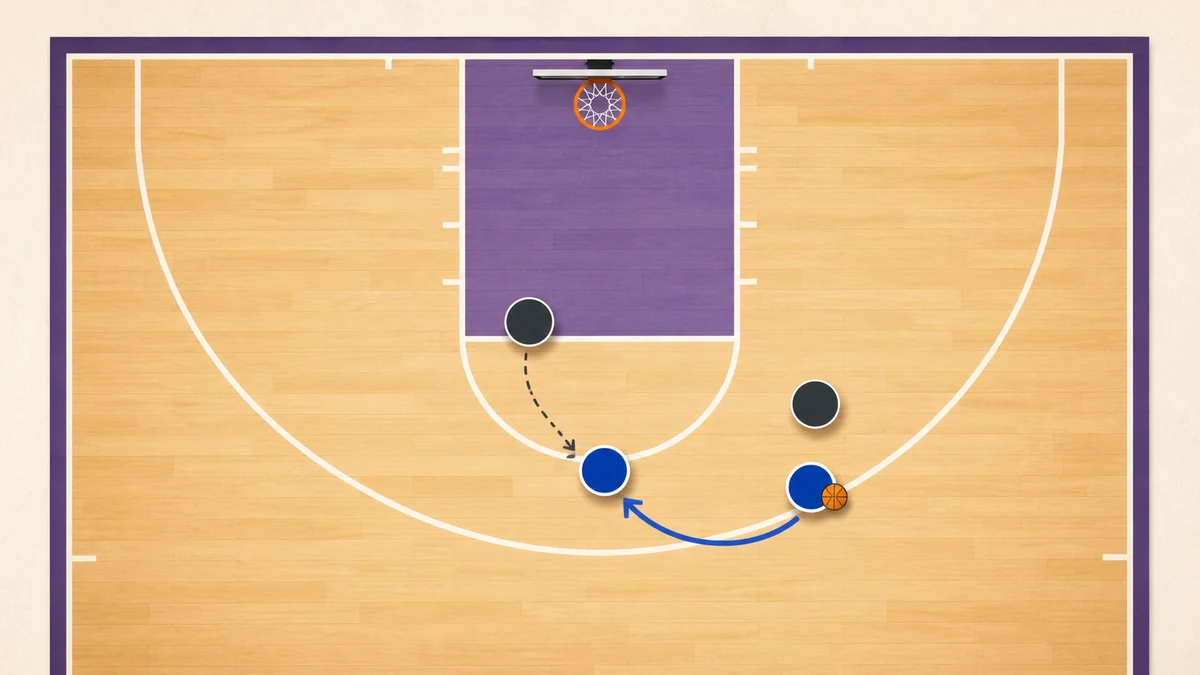
Use this selected rotation from Coachboard, rather than treating it as the only flex playbook. Start with two players in the slots above the lane, two in the corners, and one at the left low block. The left-slot player passes to the right slot. The left-corner player cuts across the lane off the left-block player's screen toward the right block. The passer then moves down to screen for that original screener, who comes up to the vacated slot. The down-screener clears to the corner. Flex Offense: Flex Cut, Down Screen & Continuity
What should change when defenders react?
The WABC manual treats a set play as a framework for reacting to defenders. Apply that idea here: the ballhandler watches the baseline cut while the passer prepares the next action. A useful coaching cue is “see the cutter, then find the screener.” The pattern gives players a shared plan; it does not require a pass into a covered lane. coaching cue
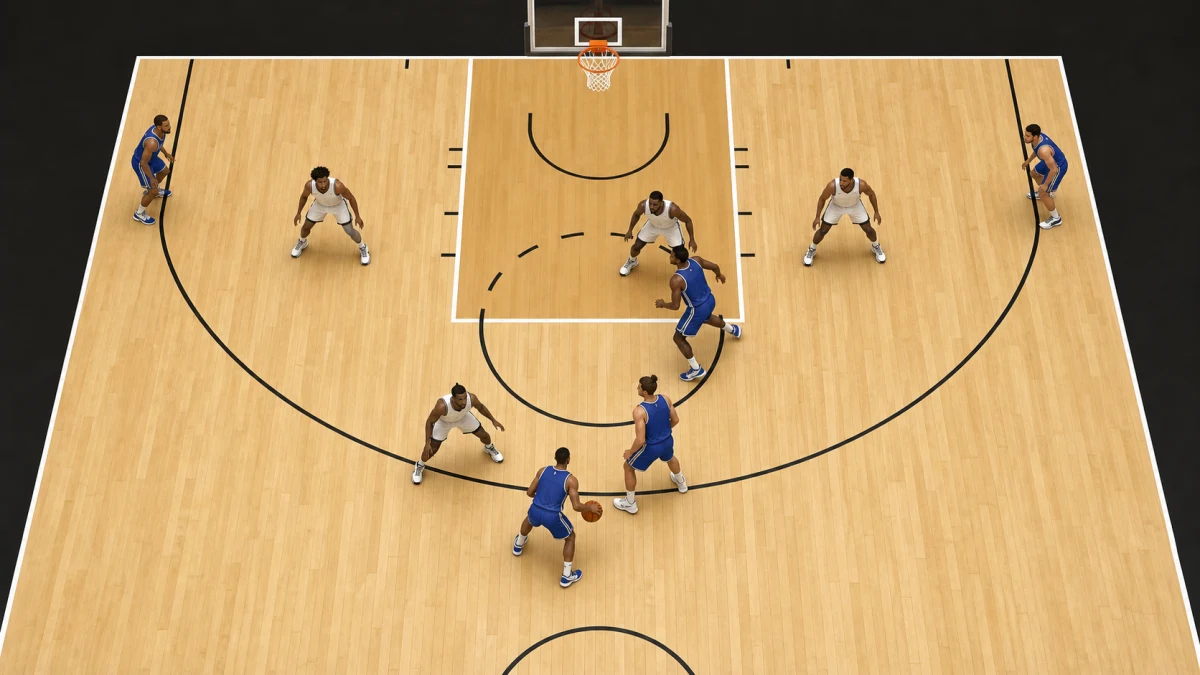
Switching changes the question. Coachboard identifies two possible counters: the flex screener can seal a smaller defender for a post feed, or the player setting the down screen can slip toward the rim. These are coaching options, not automatic outcomes. Check the matchup and passing window before choosing one. coaching options
Hypothetical read: you hold the ball at the right slot. The defense switches the baseline screen, leaving a smaller defender on the original screener. Should you automatically throw the post pass?
Look at the screener's position and the passing lane. A post feed may be available if the screener has established a useful seal. If the lane is crowded, keep possession and look for the next opening. A switch is information, not an instruction to force the ball inside.