
The short version: Lead with accurate identity and contact information, then show a compact sample of role-specific possessions with enough game context to understand the decisions. Label and test full-game links, verify every factual claim, and check current NCAA communication and eligibility requirements before sending. Film is one part of recruiting, not a guarantee of contact, admission, aid, or a roster place.
Key takeaways
- Make the player and role identifiable before the highlight sequence.
- Choose representative possessions, not repeated versions of the same made shot.
- Keep setup and aftermath so a coach can read the decision.
- Provide tested, clearly labeled full-game film for verification.
- Treat academics, eligibility, and current communication rules as separate required work.
What should a basketball recruiting video prove?
A basketball recruiting video should help a coach answer three practical questions quickly: who is the player, what role does the player perform, and where can the coach verify those actions in real competition? It is not a scholarship guarantee or a substitute for the wider recruiting process. NCAA guidance says exposure can come through campus, film, and club participation, while academics also remain part of the recruiting decision. Build the video as clear evidence inside that larger picture. NCAA Recruiting
The strongest edit is easy to audit. Put accurate identity and contact details first, show a short set of representative plays, and preserve enough context around each clip to see the possession. Then provide access to full-game film or clearly labeled longer sequences. A montage can earn attention, but a coach still needs to distinguish role decisions, spacing, defense, and off-ball work from isolated made shots. NCAA Division I Manual - Recruiting and Scouting Services
Keep every claim verifiable. If the opening card lists height, graduation year, school, club, position, or academic information, confirm the current value before sharing. Do not add awards, statistics, rankings, or offers that cannot be traced to a reliable record. The video should reduce uncertainty, not create a second fact-checking job for the viewer. AAU basketball guide
Use a simple, coach-readable structure
- Identity card: player name, graduation year, team, position or role, verified contact path, and the date the video was updated.
- Brief role sample: a small group of representative possessions that shows the player's primary contribution without repeating the same result.
- Context blocks: group plays by useful basketball evidence such as decision-making, shooting, defense, rebounding, passing, or transition role. NCAA College Basketball Academy Pathways
- Full-film path: link or label complete games with opponent, date, team colors, jersey number, and any needed starting timestamp.
- Verified follow-up: include the player's or family's approved contact method and check the current recruiting rules before sending.
This order lets a coach decide whether the video matches the program's current need and then move to deeper evidence. Do not hide basic identity at the end or place a long animated logo before the first basketball action. Keep graphics readable on a phone, use one consistent jersey indicator, and remove any music or effects that make whistles, communication, or game context harder to understand.
A recruiting video is not required to imitate a television broadcast. Clean cuts, accurate labels, and visible context matter more than dramatic transitions. If a play needs five seconds of setup to understand the player's spacing or defensive rotation, keep those seconds. Cutting directly to the made shot may erase the decision the coach actually wanted to evaluate.
Choose clips that show a role, not only highlights
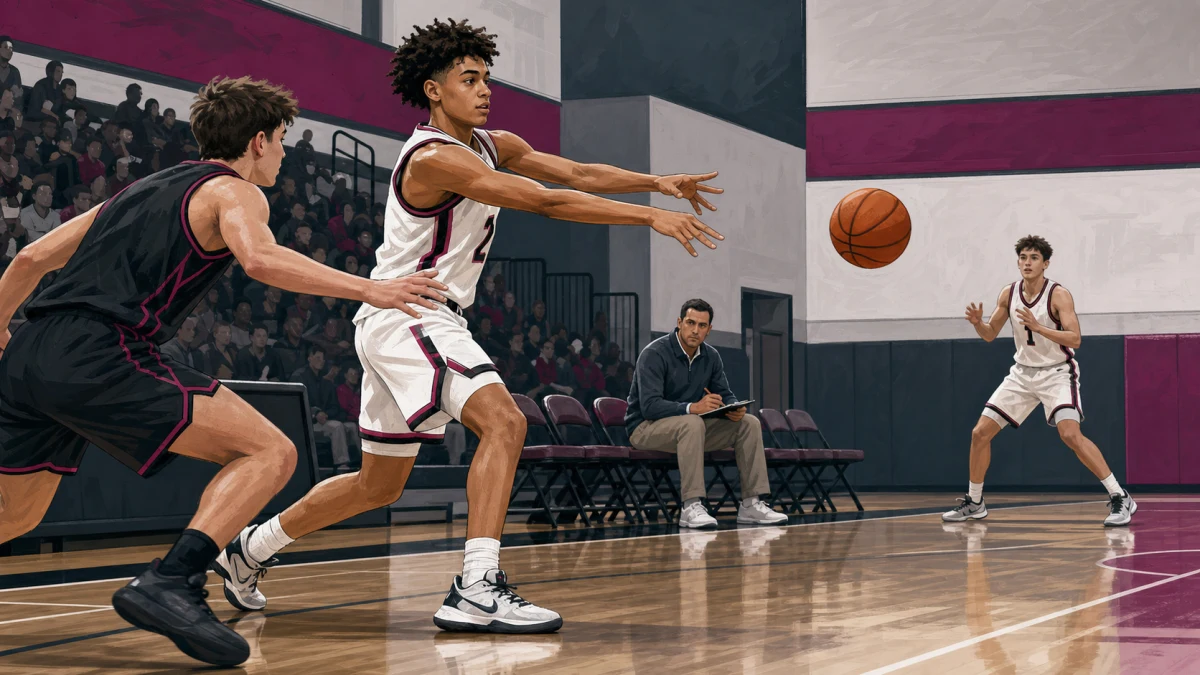
Start with the player's repeatable role. A guard might show ball pressure, advantage creation, paint decisions, and organized possessions. A wing might show closeouts, cutting, secondary creation, and transition spacing. A post player might show screening, rim protection, rebounding position, short-roll decisions, and finishes. The categories are not a checklist for every athlete; they are a way to stop one scoring outcome from becoming the entire story.
Use several possessions that answer different questions. Show what happens before the touch, how the player reacts when the first option is removed, and whether effort continues after a missed shot or turnover. Include defensive and off-ball evidence when it is part of the real role. A coach evaluating team fit needs more than a sequence of uncontested makes.
Do not manufacture balance by adding weak or mislabeled clips. If the available film does not clearly show a claimed skill, leave the claim out and improve the next filming plan. Accurate narrow evidence is stronger than a broad label the footage cannot support. Pair the edit with full-game film so the viewer can inspect possessions beyond the selected sample.
Preserve enough game context
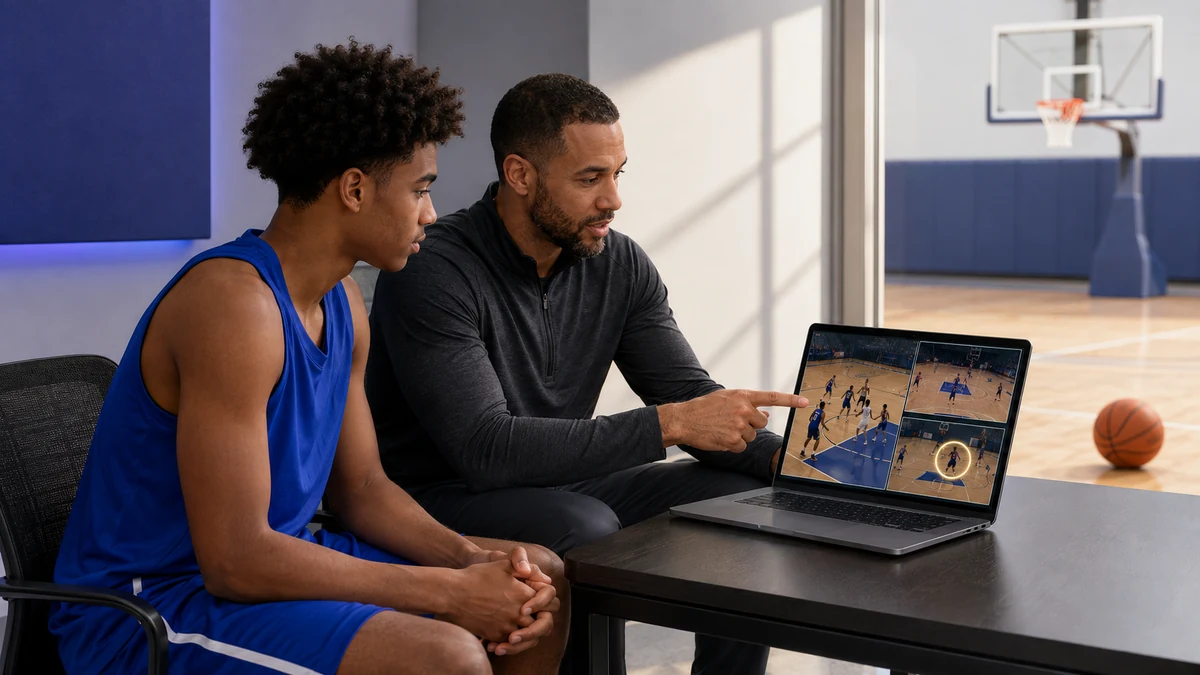
Mark the player briefly before each clip, then let the play run. Keep the scoreboard or game label when it helps identify time, score, or opponent. Avoid a permanent arrow covering the player's feet or the defender. If the source is a wide fixed camera, a short circle before movement is usually enough. If the camera follows the ball, begin early so the player's starting position is visible.
Label full games consistently: date, opponent, team colors, jersey number, and half or quarter when available. If the video is hosted in a shared folder or platform, test access from a signed-out browser. A coach should not need a permission request to open the film, and the link should not expose private school records, medical information, or unrelated family files.
Keep an original copy of the source game and the edit decision list. That makes later updates faster and allows a family or coach to correct a mislabeled clip without rebuilding the entire project. The saved list can include source filename, start time, end time, opponent, jersey identifier, skill category, and the factual label used in the edit.
Connect film to the real recruiting process
Film is one input, not the complete recruiting record. NCAA guidance says academics are part of the decision and communication rules vary by division and grade level. It also advises students in 11th and 12th grade to take ownership and lead communication. Before sending a video, confirm the program, division, current contact rules, and the information the athlete is prepared to discuss directly.
Use the correct eligibility account for the athlete's path. The NCAA Eligibility Center states that prospects planning to compete at Division I or II schools should register for an Academic and Athletics Certification account. NCAA College Basketball Academy information likewise says prospective participants must register with the Eligibility Center before consideration. A polished video does not replace registration, academic records, or certification requirements. NCAA Eligibility Center
Structured evaluation can include much more than a highlight reel. NCAA describes its College Basketball Academies as combining athletic assessment and games with life-skills sessions about eligibility, compliance, and recruiting. That is a useful reminder for families: prepare the film, but also prepare accurate questions, academic information, and a realistic understanding of the process. AAU and high-school basketball
A final quality-control checklist
- Identity, graduation year, team, jersey, role, contacts, and update date are current and spelled correctly.
- The first basketball evidence appears quickly, and every graphic remains readable on a phone.
- Each selected clip keeps enough setup and aftermath to understand the player's decision and role.
- Statistics, awards, measurements, rankings, and offers are included only when they can be verified.
- Full-game links open without a permission request and do not reveal unrelated private information.
- The athlete has checked current division- and grade-specific communication rules before sending the film.
Ask one coach or trusted reviewer to watch once without instructions. Then ask who the player is, what role the player appears to have, which two possessions were most convincing, and where they would go for full-game context. If those answers are unclear, repair the structure or labels before adding more clips. Clarity is the quality gate; length alone is not.
Frequently asked questions
How long should a basketball recruiting video be?
There is no universal duration that fits every coach or player. Make the selected sample short enough to review quickly, then provide clearly labeled full-game film. Remove repeated outcomes and preserve the context needed to understand each decision.
Should the video show only made shots?
No. Choose possessions that show the player's real role, including decisions, defense, spacing, passing, rebounding, or recovery when relevant. A sequence of makes can attract attention, but it does not by itself show how the player functions across a game.
Do players need full-game film too?
Provide it whenever possible. A selected edit gives a fast introduction, while full games let a coach verify context and observe possessions beyond the sample. Label the opponent, date, jersey, and useful start points so the film is easy to inspect.
Does a good video guarantee recruiting interest?
No. NCAA guidance places film alongside campus and club exposure and says academics are also part of recruiting decisions. A clear video can make evidence easier to review, but it cannot promise contact, a roster place, playing time, admission, or financial aid.